
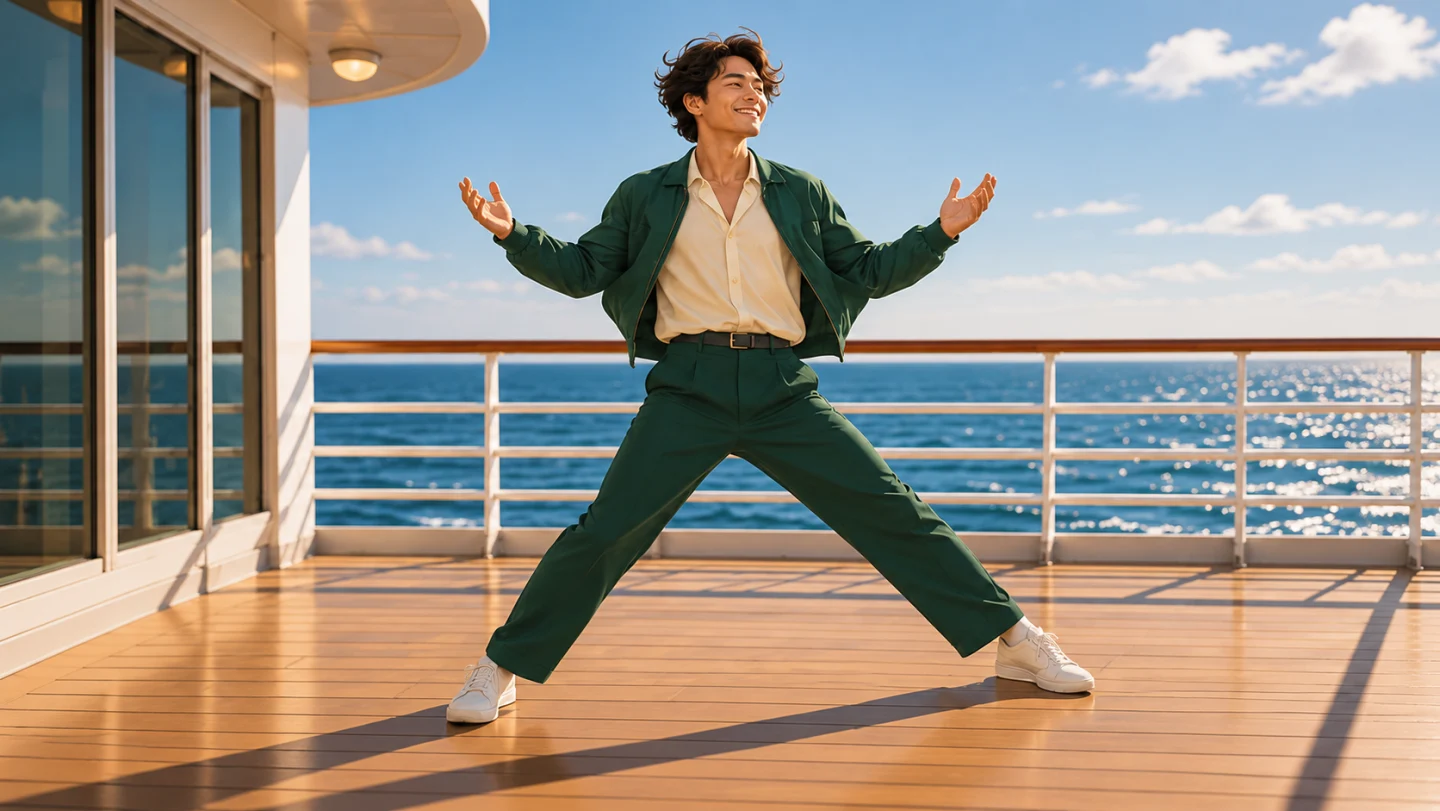
Make your own cruise deck dance
24K Magic AI creates a short, fictional dance video from one adult portrait. The default is a silent, ten-second MP4 at 720p. Choose 480p or 720p and landscape 16:9 or portrait 9:16. You can explore the reference video, concept frames, and preparation guides before creating an account or purchasing credits.
The reference illustrates choreography and camera movement. Labeled concept frames explain the intended setting. A personal generation introduces your selected portrait into a newly synthesized scene, where facial detail, clothing, body shape, and movement can change. Watch the whole result before deciding whether it is ready to share.
Prepare a portrait that gives the face room
Start with a sharp photograph of one adult in soft, even light. A forward-facing or gently turned head gives the generator more visible facial information. Keep both eyes, the nose, and the mouth unobstructed. Strong beauty filters, dark glasses, hard shadows, and motion blur make those details harder to interpret. A clear head-and-shoulders photograph is a practical starting point even though the finished scene shows a moving body.
The upload accepts JPG, PNG, or WebP files up to 3 MB, with at least 340 pixels on the shorter edge. These are acceptance limits, and the photo guide explains how to inspect an image before uploading. Choose a photo you own or have permission to use for this specific purpose. The person should understand that the service will create a fictional performance from their appearance.
Review the cost before starting
The default ten-second 720p generation uses ten credits, and 480p uses five. Compare the packs above and check the live quote. After payment, return to your portrait and confirm generation yourself.
Follow the task and save the result
Once the request is accepted, the reference preview gives way to your task status. The progress panel shows the stages of queueing, generation, saving, and completion, along with elapsed time when available. Processing time depends on the service and current demand. You can reopen My videos to check an accepted task instead of starting a duplicate request while you wait.
A completed clip appears with playback and a download action. Save a local copy within the fourteen-day delivery window if you want to keep it. Confirmed technical failures return the reserved generation credits. If a task remains unresolved or a payment appears delayed, use your account’s support section and include the relevant task or order identifier. Avoid attaching another person’s private portrait to an initial support message unless it is needed.
Choose the workflow for your idea
This prepared scene suits a personal greeting, a playful reveal, or an agreed fictional appearance by an adult friend. A conventional editor is useful when you already have footage and want to trim it, arrange captions, or add licensed music. A general video generator may suit a different location or a custom sequence. Compare tools against the scene you need, the input they accept, and the total cost of producing an acceptable result.
Read the photo guide, check credit packs, or learn what 24K Magic AI creates before returning to your portrait.